Elliot
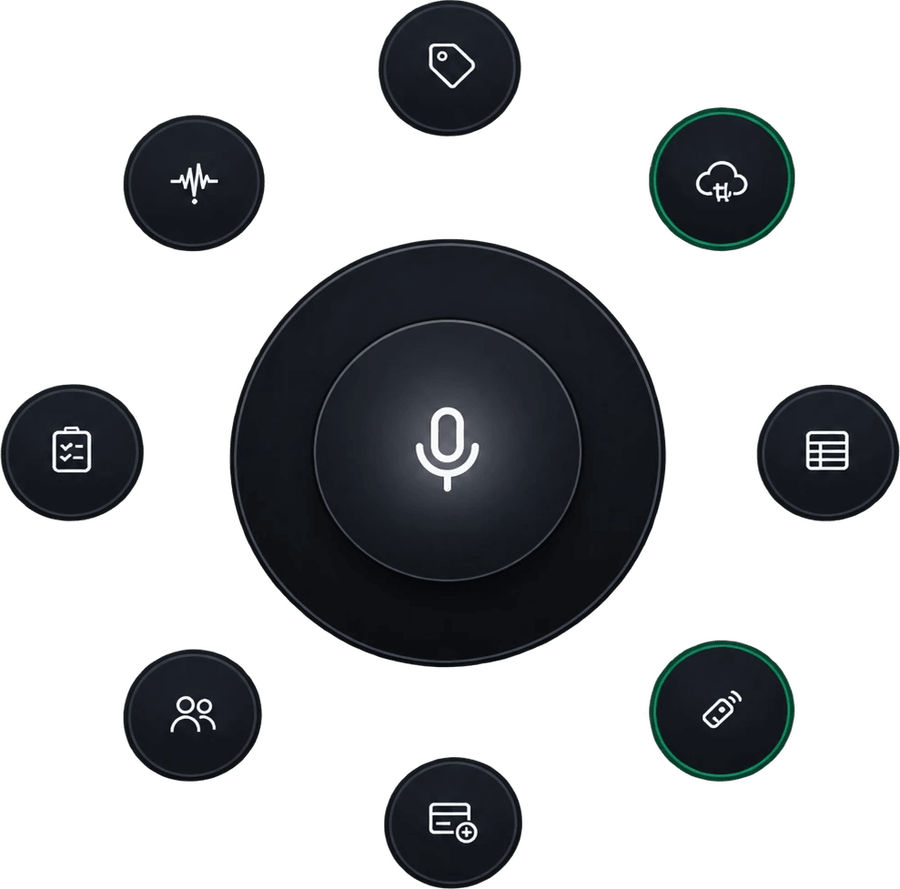
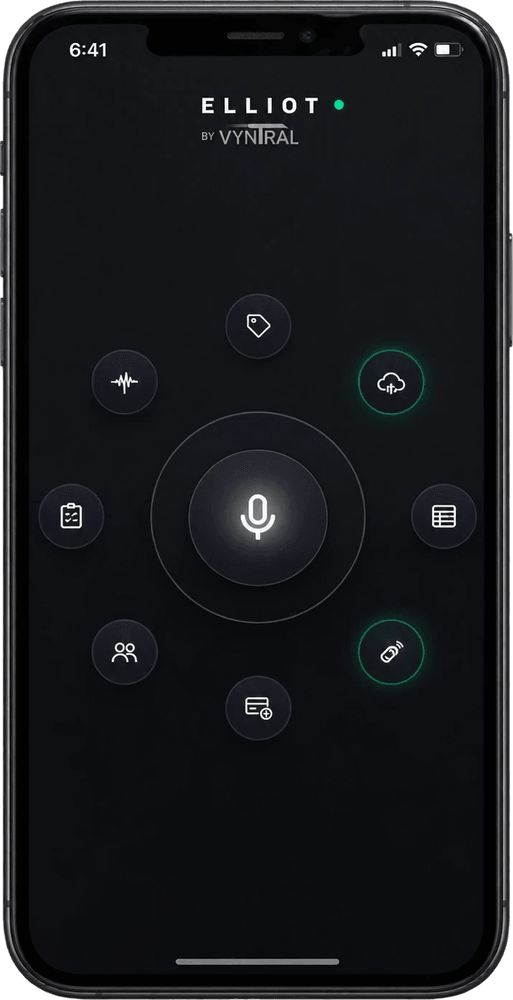
Voice-first field intelligence. Hold the central mic to log daily site progress, track live crew rosters, resolve missed clock-outs, and push verified hours straight to Procore through one radial HUD.
Open Elliot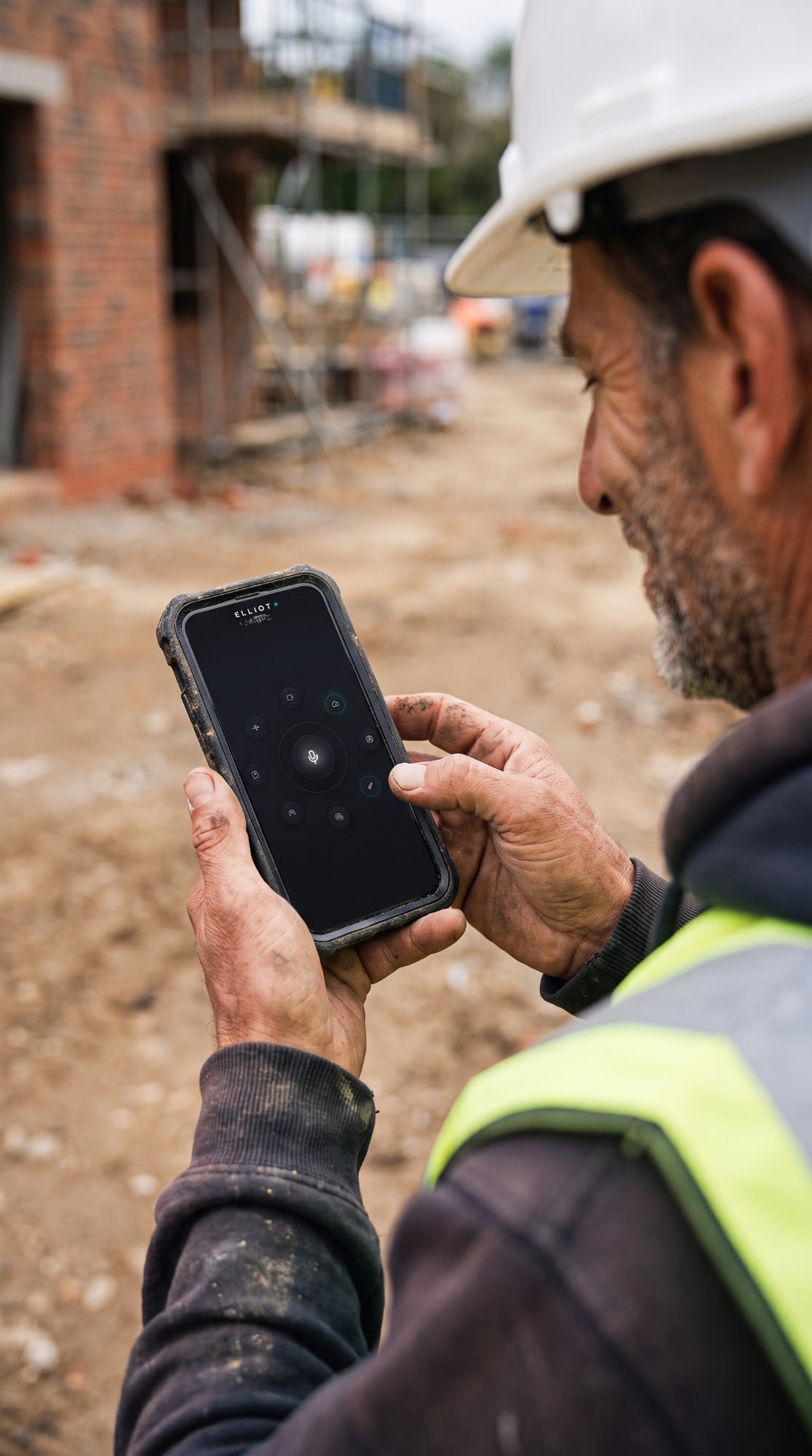

think smarter, work harder
Voice-first field intelligence. Hold the central mic to log daily site progress, track live crew rosters, resolve missed clock-outs, and push verified hours straight to Procore through one radial HUD.
Open Elliot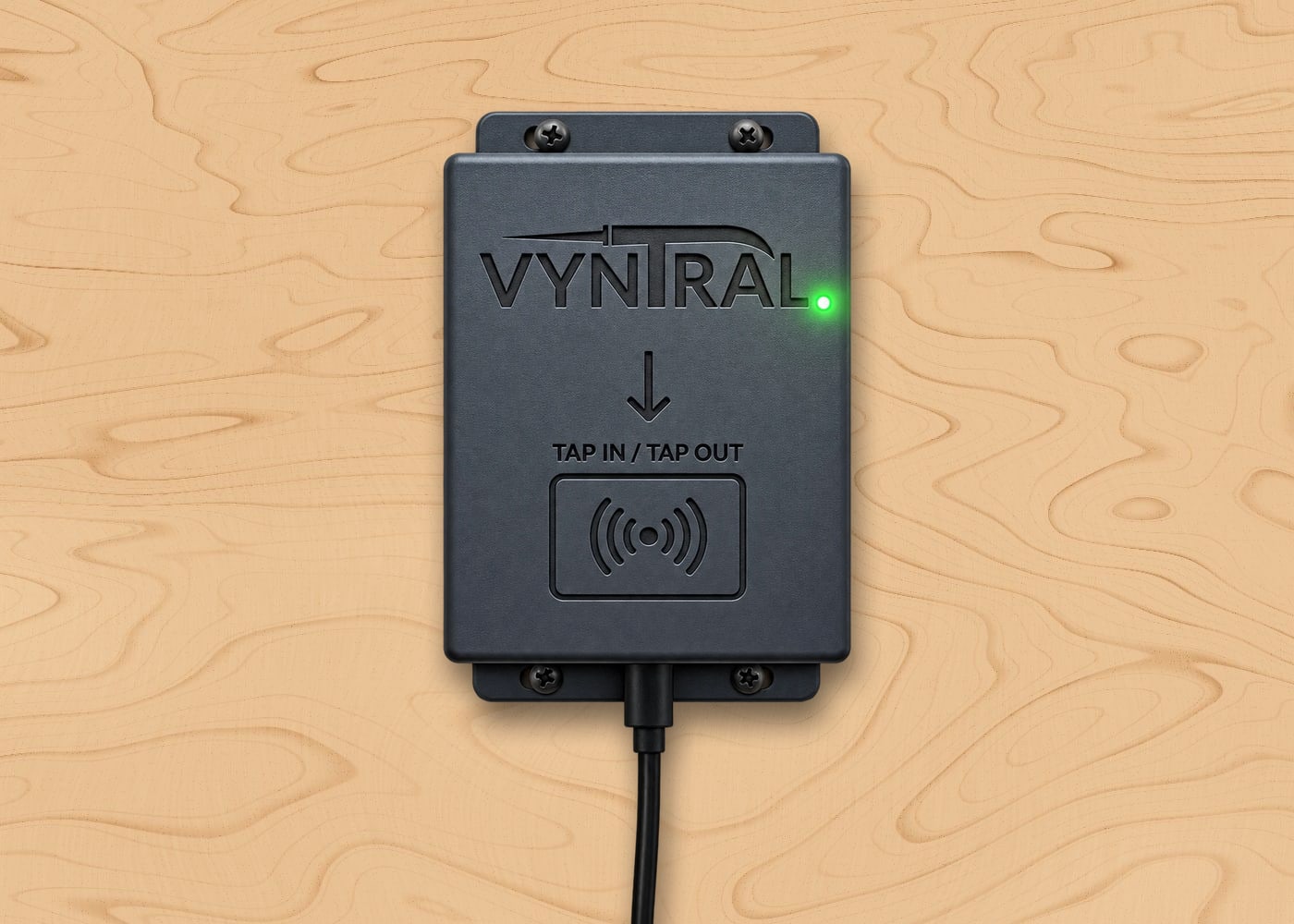
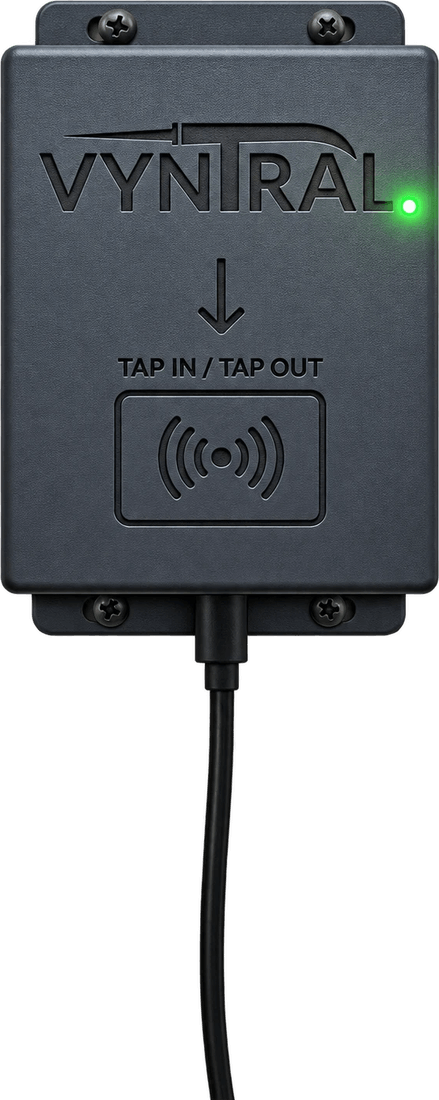
Bolt-and-go jobsite time & tool terminal. Crew members tap their rugged NFC fob on the trailer wall for sub-second clock-in and tool custody checkout—backed by cryptographic device tokens and offline tap queuing.
Full jobsite command in your pocket. Monitor real-time crew check-ins, active overtime burn rates, and safety ticket alerts from anywhere on the slab. Built for dirty hands, bright sun, and zero-bars trailer zones.
Launch on your phoneProducts
One radial command engine for the foreman, one bolt-on terminal for the trailer wall, and verified hours that land in Procore.
Flagship · operational engine
Direct launch hub for the Elliot operational engine.
Every plan unlocks the Elliot field console. Pick the tier that fits your crew size—VYNTRAL CLOCK BOX terminals and NFC fobs are added separately at checkout.
$199/mo
Built for single-site subcontractors & small crews.
Includes
$399/mo
Built for active GCs & multi-trade jobsites.
Everything in Starter, plus:
$799/mo
Built for heavy commercial & multi-site operations.
Everything in Growth, plus:
$1,000+/mo
Built for high-volume builders & custom workflows.
Everything in Scale GC, plus:
Hardware Add-On: Software plans unlock the Elliot operational engine. Add your required VYNTRAL CLOCK BOX terminals and rugged NFC fobs directly at checkout—yours to keep and move from site to site.
Bolt-and-go jobsite time & tool terminal. Screw it to the trailer wall, power it, and your crew taps in.
Hardware
Bolt-and-go jobsite time & tool terminal, built to live on a trailer wall.
Try the status LED
Steady green: online and ready for the next tap.
Weather-resistant dark-gray housing built to screw directly onto jobsite trailer plywood or sea-can walls.
Instant green LED flare & audible beep confirmation on valid tap; double-amber flash on expired safety ticket; red flash on unrecognized fob.
Loses iPhone hotspot or trailer Wi-Fi? The VYNTRAL CLOCK BOX caches taps locally with cryptographic timestamps and flushes the ledger automatically the second connection returns.
Slap weatherproof tags on rotary lasers, coring drills, and saws. Tap worker fob + tap tool case to log custody in Elliot.
Features
Our unfair field advantages: built around the tap, the voice and the truck, not the office.
Hold the central mic in Elliot, speak the day's progress in plain English, and let Elliot combine it with verified crew hours into a formal Daily Construction Report.
Automatically clusters crew arrival/departure times so foremen can fix a forgotten Friday tap-out in one tap.
Track Fall Protection, First Aid, and Confined Space expirations directly on worker fobs.
Built to give mid-sized contractors and framing/civil crews hardware-verified timecards without $15,000/yr ACV contracts.
About us
Engineered by real construction tradespeople and builders who know firsthand that paper timecards get soaked in rain, spreadsheets get fudged on Friday afternoon, and enterprise software is too clunky for a muddy jobsite.
Pair dead-simple physical hardware on the trailer wall (VYNTRAL CLOCK BOX) with a zero-bloat radial command engine (Elliot) so foremen spend less time in the truck doing paperwork and more time building.
Less time in the truck. More time building.
think smarter, work harder
Support · help me
Mounting, lights, fobs and Procore: answers written for the trailer, plus a direct line to our team.
Lost fob? Tap the replacement on the box. It shows under unknown fobs in Elliot's reader panel: pick the worker and press Assign, and their old fob stops working.
Tool tags: NFC Tool Custody is coming to the badge mapper; we'll walk you through enrolling tags when it's switched on for your site.
Setting up the Procore app for the first time? Register this redirect URI on it: https://your-vyntral-address/auth/procore/callback. Elliot's field guide (the ? icon) walks through every Procore screen.
Hardware, Elliot, Procore or billing: tell us what's going on and we'll get back to you by email.
Helps us sort it faster
PILOT ACCESS DEPLOYMENT
Tell us about the site. Our field deployment team brings the clock box and fobs, mounts it, and sets up Elliot with your crew.
Our field deployment team will contact you within 24 hours to schedule your trailer setup.